


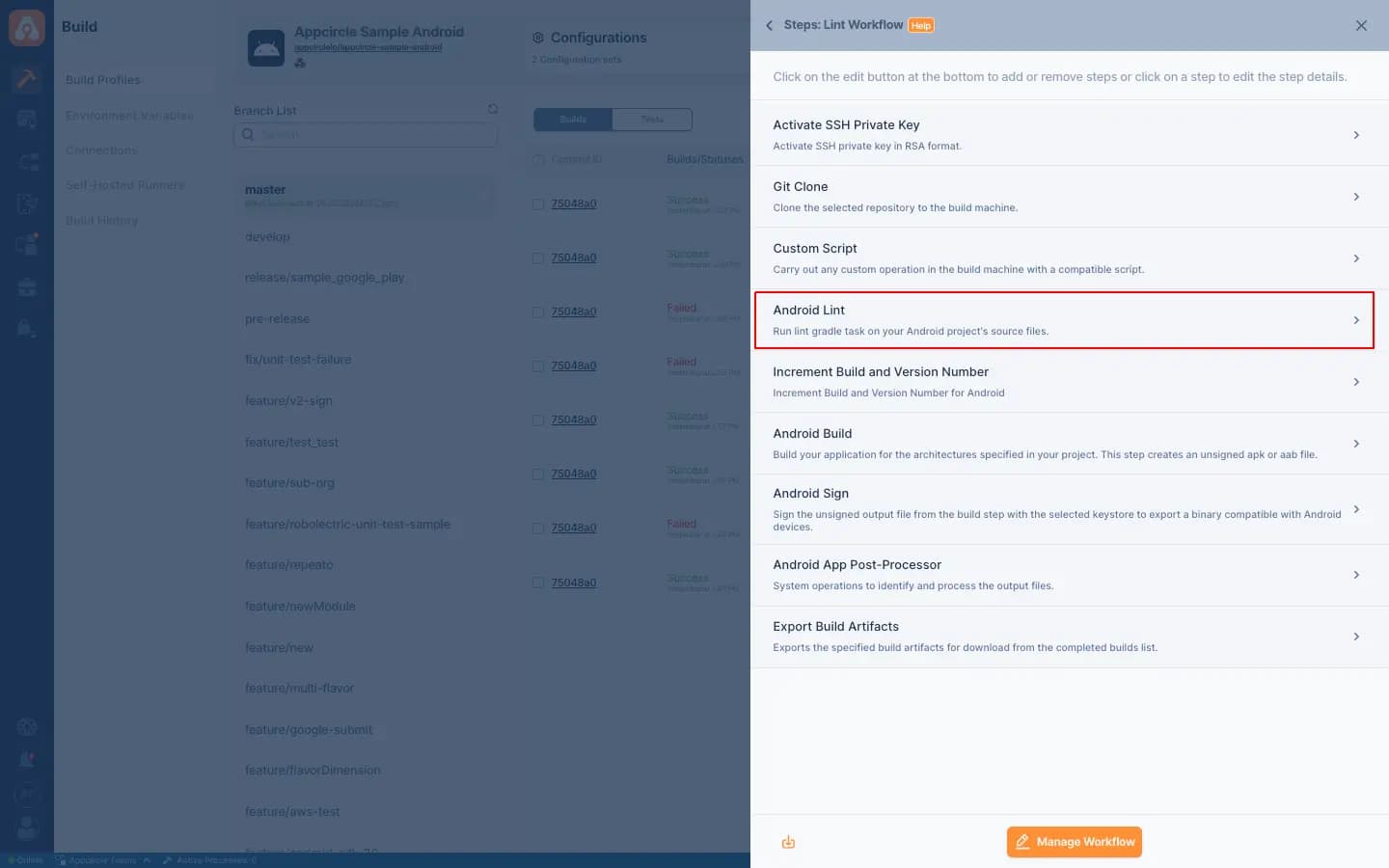
Android Lint
Integrating Android Lint in Appcircle's CI/CD pipelines automates code quality checks, helping identify potential issues and ensuring adherence to best practices in Android development.
Key Benefits
Automated Code Quality Checks: Scans your Android project automatically for bugs, performance issues, and compliance with coding standards.
Early Issue Detection: Flags potential issues from the first builds, reducing debugging time and effort.
Customizable Rules: Lets you tailor Lint rules to fit your project's coding standards and unique requirements.
Seamless Integration: Works smoothly with Appcircle's CI/CD pipelines, enabling continuous code quality checks as part of the build process.
Points to Consider
Rule Configuration: Configure Lint rules to match project needs by enabling or disabling checks as appropriate.
Baseline Files: Use baseline files to suppress existing issues and focus on new ones, making it easier to improve code quality incrementally.
Reporting: Take advantage of Lint's reporting features to generate detailed issue reports for easier analysis and resolution.
Continuous Improvement: Regularly review and update Lint configurations while addressing reported issues to steadily improve code quality.
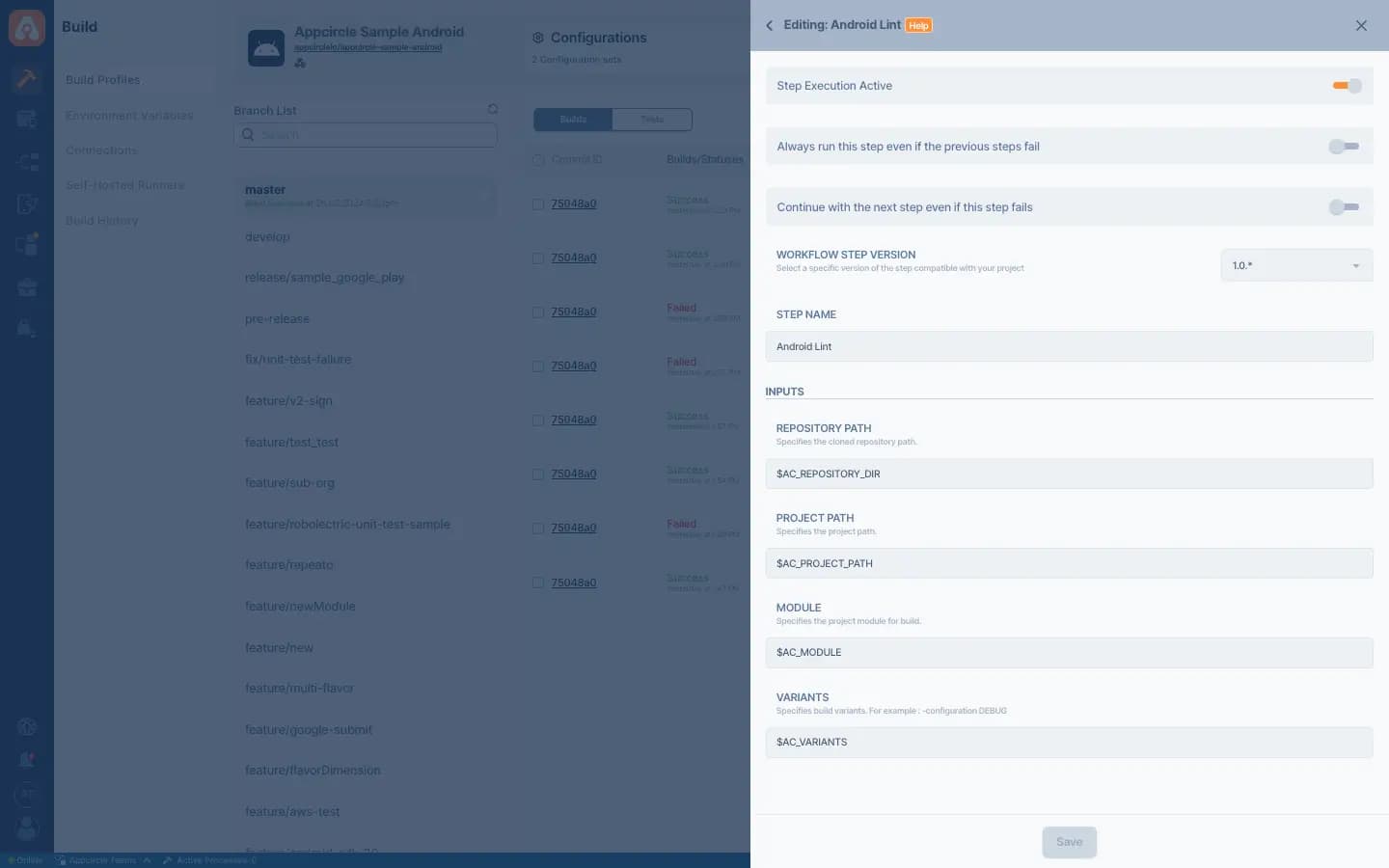

For more information on setup and usage, please visit Appcircle Technical Documentation
FAQs
What is lint used for?
What is Android Lint?
How to use lint in Android?
Get Started with Appcircle
Save time, reduce costs, and increase developer productivity
Get informed about news, new releases, and mobile DevOps.