Failure Analysis
AI Insights
Publish to Stores Pre-check
Appcircle MCP Server
Appcircle AI Assistants
Pipeline Architect Agent
Report/Audit Log Analyzer


Failure Analysis
Instantly Reveal the Root Cause of Build and Publish Failures
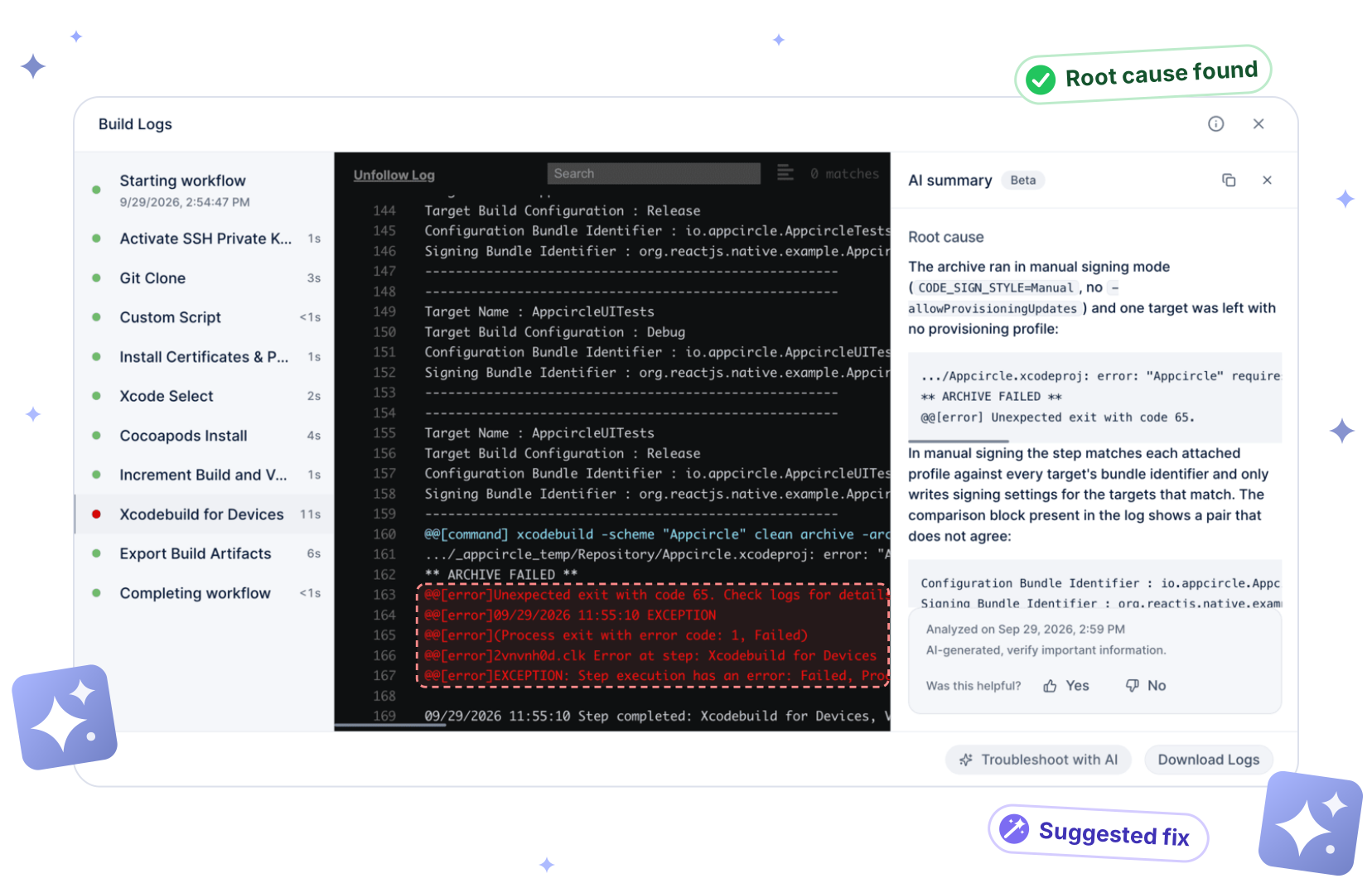
- Appcircle AI's Build Failure Analysis cuts through noisy logs to expose the real root cause of failed builds in seconds, not hours.
- It surfaces the critical lines and patterns that matter, so your team can stop guessing and start fixing.
- When a publish fails, it explains why your release to App Store Connect, Google Play or Huawei AppGallery didn’t go through.
Turn Errors Into Fixable To‑Dos
- Each detected issue comes with clear, prioritized fix steps tailored to your mobile stack and pipeline configuration.
- From missing dependencies to misconfigured signing, Appcircle AI turns complicated build errors into straightforward, actionable tasks your team can resolve fast.
Failure Analysis
AI Root Cause Analysis
AI Insights
Turn Your CI Data into Answers
- AI Insights turns your build and release data into clear, actionable reports with trends, root causes and health scores, so your team knows exactly where to focus to ship faster and more reliably.
Build Insights
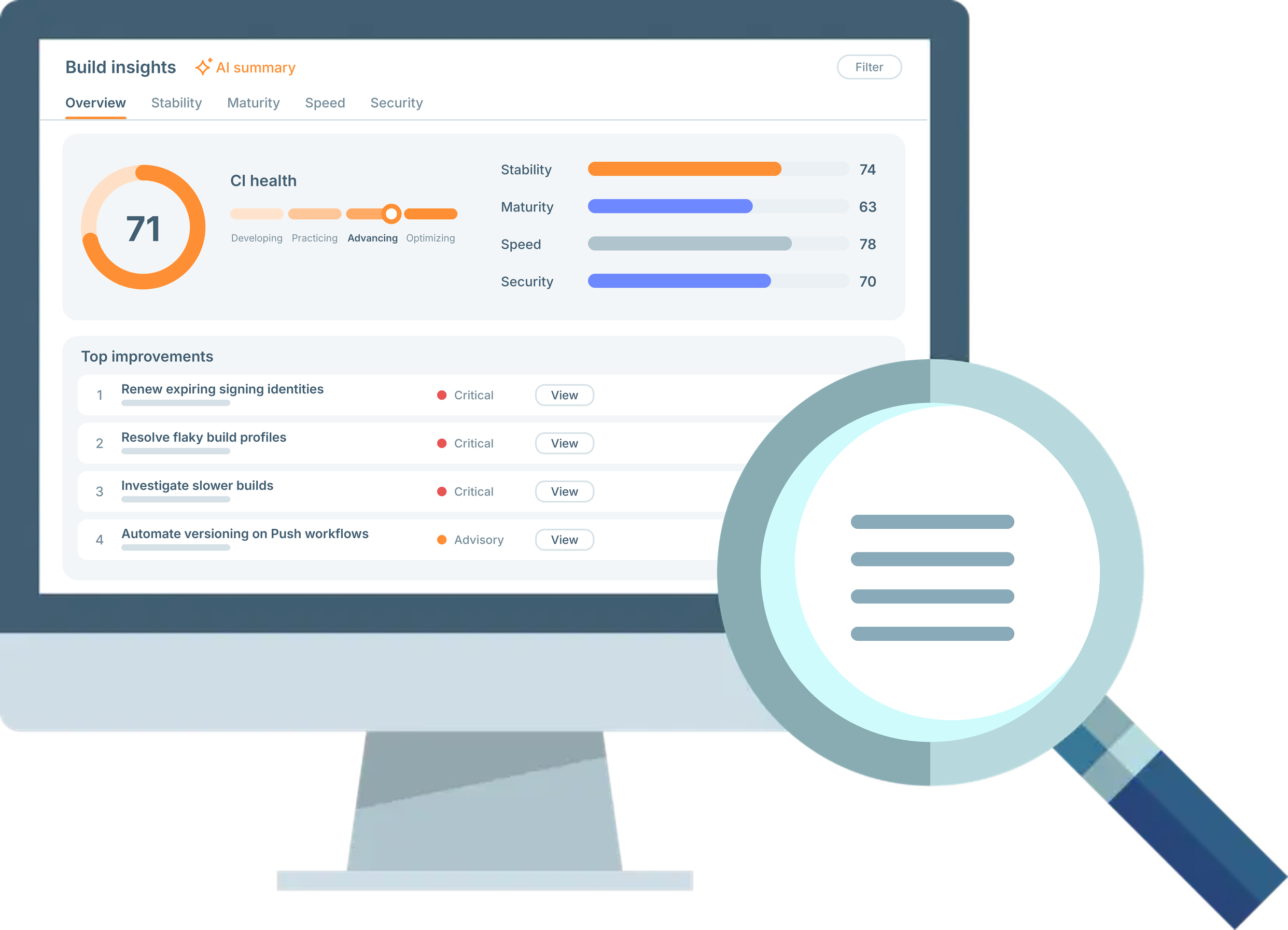
- Build Insights shows how healthy your CI setup is right now and what to fix first, all in a single CI health score built from four areas:
- Stability: how reliably builds pass, how quickly broken branches recover, and where flaky builds and warnings pile up.
- Maturity: how complete your Push, PR and Nightly workflows are, and whether they follow best practices.
- Speed: how consistent build times are, which profiles are slowing down, and how long builds wait to start.
- Security: upcoming certificate and provisioning profile expiries, environment variable usage and security scan coverage.
Publish Insights
- Publish Insights shows how reliably your apps reach the stores, why submissions fail and how long it takes to go from build to release, with a ranked list of the highest-impact improvements for your publish profiles.
AI Insights
Build Insights
Publish Insights
Publish to Stores Pre-check
Catch Store Rejections Before You Submit
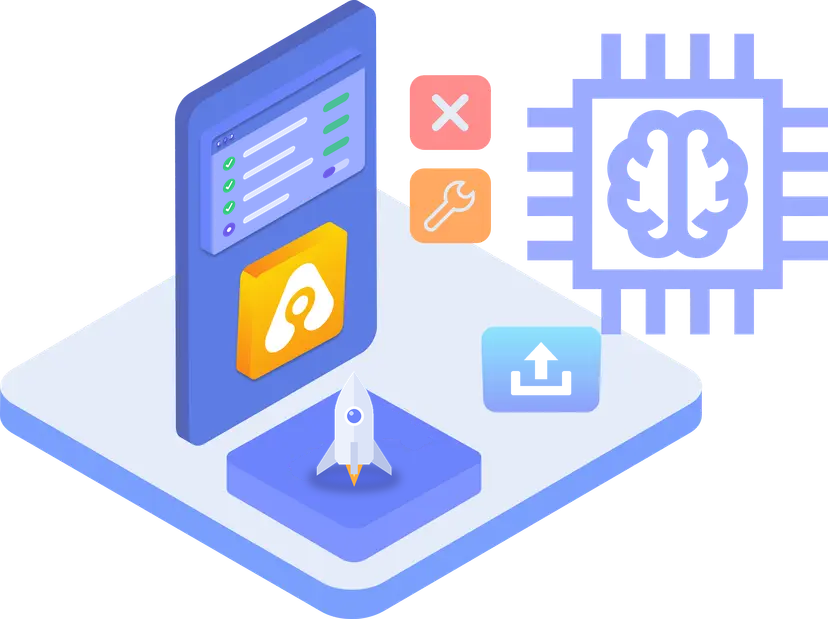
- Publish to Stores Pre-check reviews your release candidate before it reaches App Store Connect, Google Play or Huawei AppGallery, flagging the issues behind common failed publish runs and store rejections.
- It checks your binary and store listing together against the latest App Store, Google Play and Huawei AppGallery guidelines.
Every Finding Comes With Evidence and a Fix
- Each issue points to the exact field, language or file it comes from, names the store guideline behind it, and explains how to fix it.
- Pre-check never changes your listing or your release. It advises, and your team stays in control of what gets published.
Publish to Stores Pre-check
Store Guideline Check
Appcircle MCP Server
What is Appcircle MCP?
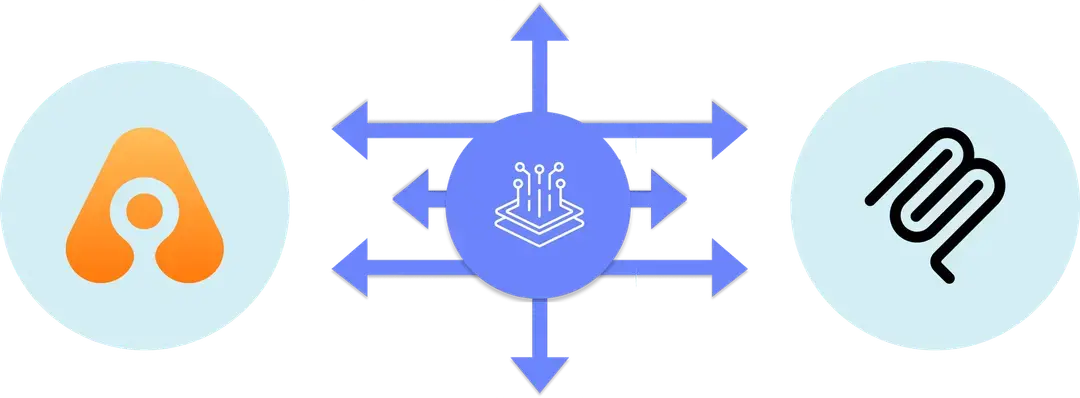
- Appcircle MCP (Model Context Protocol) is the integration layer that securely connects Appcircle with your AI tools and agents, so AI can act with full project context.
- As an open-source project, Appcircle MCP gives teams full transparency and flexibility to adapt integrations to their workflows.
Secure, Controlled Access for AI
- Appcircle MCP lets you define exactly what AI tools can see and do, with governed, auditable access to Appcircle resources, so your AI-powered workflows remain safe, compliant, and under your control.
Appcircle MCP
Model Context Protocol
Appcircle AI Assistants
Appcircle-Specific Expertise
- Use Appcircle AI Assistants to get step-by-step guidance on configuring pipelines, fixing failing builds, setting up Signing Identities, or publishing apps to stores, without digging through documentation.
Appcircle GPT Assistant
- Appcircle GPT Assistant helps you get quick answers directly in ChatGPT. Search for Appcircle Assistant in the GPTs marketplace and start asking Appcircle-specific questions about builds, signing, distribution, and publishing.
Appcircle Claude Assistant
- Appcircle Claude Assistant brings Appcircle-specific guidance into Claude and Claude Code. It includes Appcircle-aware skills, and Claude Code users can also connect through the Appcircle MCP Server for builds, signing, distribution, publishing, and reporting.
Appcircle Copilot Assistant
- Appcircle Copilot Assistant connects GitHub Copilot to Appcircle, bundling the Appcircle MCP Server with Appcircle-aware skills so you can ask Copilot about your organization or how to use Appcircle, right from Copilot CLI or VS Code.
Appcircle GPT Assistant
Appcircle Claude Assistant
Appcircle Copilot Assistant
Pipeline Architect Agent
Pipelines Built for Your Repo and Platform
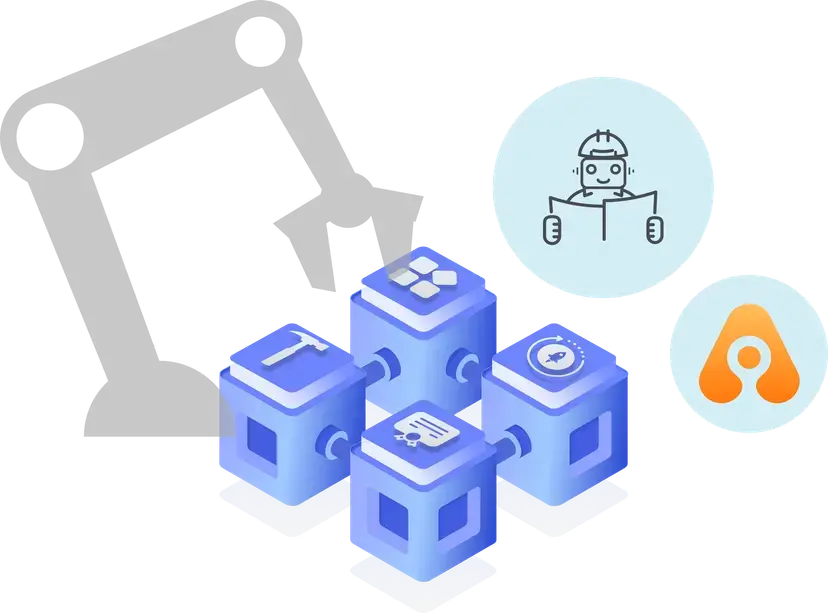
- The Pipeline Architect Agent analyzes your repository, Appcircle configuration, and platform conventions to design and optimize build pipelines that fit your stack.
- It suggests workflow steps and caching, so your pipelines are fast and aligned with how your team actually builds.
Keep Pipelines Optimized as Your Project Evolves
- As dependencies, tool versions, and conventions change, the Pipeline Architect Agent helps maintain and update your pipelines so they stay efficient and compliant with Appcircle and platform best practices.
- Spend less time tweaking pipelines and fixing failures. Get pipelines that scale as your product does.
Pipeline Architect
AI Pipeline Design
Report/Audit Log Analyzer
Ask About Your Data in Plain Language
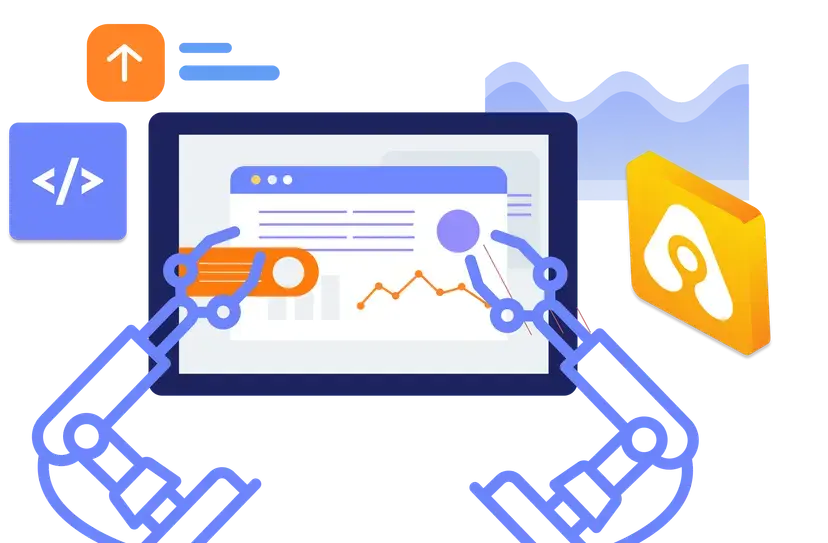
- Query Appcircle module reports and audit logs using natural language—no filters, query syntax, or log diving required.
- Ask "Who signed the last iOS build?" or "Which workflows failed in the past week?" and get clear, direct answers from your Appcircle data.
Turn Reports and Logs Into Actionable Insights
- The Report & Audit Log Analyzer interprets build reports, distribution activity, signing events, and audit trails so you can spot trends, troubleshoot issues, and answer compliance questions fast.
- Less manual log scanning, more insights and answers on demand.
Report Analyzer
Audit Log Insights
READY TO RELEASE FASTER?
Put Appcircle AI to Work
Smarter builds, instant diagnostics, and AI that speaks your data.
Join Our Newsletter
Get informed about news, new releases, and mobile DevOps.