

iOS App Distribution
Complete guide to iOS app distribution covering TestFlight, Ad Hoc, Enterprise, and App Store distribution methods with best practices for managing certificates, provisioning profiles, and automated delivery workflows.
What is iOS App Distribution?
App distribution is the process of making a mobile application available to users through various delivery channels. iOS app distribution specifically refers to packaging, signing, and delivering an iOS application for testing, internal use, or public release.

Apple recommends selecting the distribution method based on your app's platform, development stage, and membership in the Apple Developer Program. Before releasing your app to a broader audience, you should distribute your final build using one of the available beta testing methods.
iOS App Distribution Challenges
Apple enforces strict security and installation controls for iOS applications. As a result, apps cannot be freely downloaded or installed outside approved mechanisms. These requirements introduce several challenges that developers must manage effectively. Some of the most common challenges include:
- Strict provisioning profile and UDID management
- Certificate expiration and signing issues
- TestFlight review delays or tester limits
- Enterprise certificate restrictions and compliance rules
In this guide, all aspects of iOS app distribution are covered so these challenges can be approached not as obstacles, but as key considerations during development and release.
iOS Distribution Channels Explained
There are multiple channels through which an iOS app can be distributed. Each iOS distribution method serves a different purpose depending on how the application will be shared whether for internal testing, beta testing, or public availability through the App Store. Each method comes with its own requirements for signing, provisioning, and user access.
Choosing the right distribution channel depends on your app's target audience, development stage, and how widely the app needs to be delivered.
Below are the primary iOS distribution channels, when they are used, and their pros and cons.
| Distribution Method | When It Is Used | Pros | Cons |
|---|---|---|---|
| App Store | When releasing the app publicly to all iOS users on App Store. | - Largest possible reach - Trusted, secure distribution - Supports phased release | - Requires App Review - Strict guidelines - Slower release cycles |
| TestFlight | Beta testing with internal or external testers before launch. | - No UDIDs required - Up to 10,000 external testers - Built-in crash reporting and feedback system | - External testers require beta App Review - Builds expire after 90 days |
| Ad Hoc Distribution | Limited internal testing on registered devices. Ideal for QA and client demos. | - No App Store or TestFlight review - Quick distribution for small groups - Direct IPA installation | - Limited to 100 devices per year per device type - Requires UDID collection and profile updates - Not scalable for large teams |
| Enterprise / In-House Distribution | Internal distribution within a company to employees only. | - Company-wide private distribution - No App Store review - Works well with MDM systems - Scales to many devices | - Must qualify for Apple Developer Enterprise Program - Strict compliance requirements - Risk of certificate revocation if misused |
| Unlisted Apps | When a public app should be accessible only via link, not searchable. For more information on unlisted apps, see Apple's documentation. | - Not discoverable in search - No UDID or device limits - Regular App Store updates - Great for partners, conferences, or niche audiences | - Requires App Store approval - Anyone with the link can download - Not suitable for confidential apps |
With a clear understanding of each distribution option, you can confidently choose the method that best fits your testing or release needs.
TestFlight Distribution
TestFlight helps developers test beta versions of their apps and App Clips by allowing them to share pre-release builds with testers before the app is published on the App Store. It supports both internal and external testing groups, each with different requirements and approval steps. TestFlight provides a seamless installation experience, crash reporting, and built-in feedback tools, making it one of the most widely used testing solutions in the Apple ecosystem.
Quick tip: To distribute an application via TestFlight, the app must be signed with an Apple Distribution Certificate and an App Store Provisioning Profile. For more details, see the iOS Code Signing guide.
Internal vs. External TestFlight Testing
Internal Testing: TestFlight supports up to 100 internal testers per app. These testers must be members of your App Store Connect team. If a tester is not already part of the team, they must be added first. Once added, they receive an invitation and must have an App Store Connect account to accept it. After joining, they can be assigned as internal testers for the application. Internal testers gain immediate access to builds, and no beta review is required.
External Testing: TestFlight supports up to 10,000 external testers per app. External testers do not need an App Store Connect account. However, distributing builds to external testers requires Apple's Beta App Review, which verifies that the app is functional and meets the basic requirements for external testing. External testing is ideal for large-scale validation, usability studies, or gathering real-world feedback.
Limits, Approvals, and TestFlight Beta Review
TestFlight includes several limitations and approval steps developers must keep in mind:
Tester Limits
- 100 internal testers
- 10,000 external testers
Build Expiration
- Each build is valid for 90 days
- After expiration, testers must update to a newer build
Beta App Review
Before a build is shared with external testers, Apple reviews it to ensure:
- The app functions as described
- No incomplete or placeholder features are present
- Required TestFlight Beta information is provided is submitted
This review is typically faster than the standard App Store approval process but may still take a few hours to a couple of days, depending on Apple's review queue.
If you'd like to dive deeper into preparing builds for TestFlight, check out this dedicated blog on building and uploading iOS apps to TestFlight.
Ad Hoc Distribution
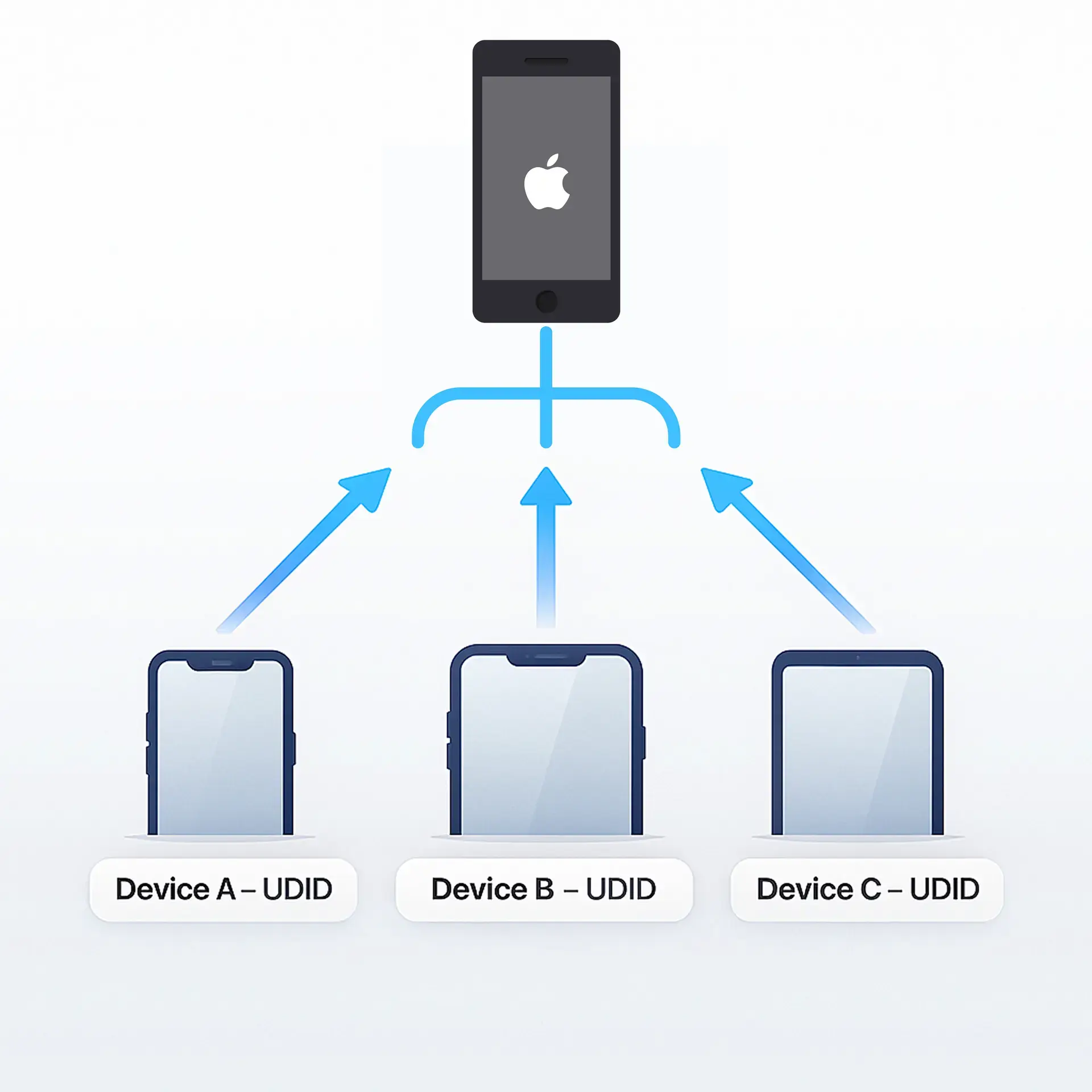
Ad Hoc distribution allows you to share an iOS app with a limited number of registered devices without using the App Store or TestFlight. It is commonly used for internal QA, client reviews, device-specific testing, and environments where rapid testing is required without external approvals.
UDIDs, Device Limits, and Profiles
Ad Hoc distribution relies on device-based authorization, meaning each device must be manually added to your Apple Developer account using its UDID (Unique Device Identifier).
Important rules and limits:
- You can register up to 100 devices per year per device type
- Device lists reset once a year with your Apple Developer Program renewal
- Only devices added to your membership can install the Ad Hoc build
- An Ad Hoc provisioning profile is required, which includes:
- The app's Bundle ID
- The Apple Distribution Certificate
- The list of registered devices
To learn more about ad hoc signing policies and see real-life use cases, check out this page.
Creating Ad Hoc provisioning profiles
Creating certificates and provisioning profiles can be a tedious process especially when creating an Ad Hoc provisioning profile. It might be a good idea to use a tool that manages your certificates and provisioning profiles in a centralized hub. You can create an ad hoc profile using the Apple's guide or use alternative platforms like Appcircle for creating the Ad Hoc Provisioning profile by also managing the device UDIDs .
When to choose Ad Hoc over TestFlight
Ad Hoc distribution is a better fit than TestFlight in several situations:
- Small-scale internal testing: Ad Hoc distribution is ideal for small internal teams that need quick access to builds without managing large tester groups.
- Team demos, client previews: It's a convenient option for sharing preview builds with clients or stakeholders during demos or review sessions.
- Immediate distribution is required (no review): Because Ad Hoc builds bypass Apple's beta review, they can be distributed and installed immediately.
- Extended expiration: An Ad Hoc–signed build can remain installable for up to one year, making it suitable for long-term internal testing or ongoing client access beyond TestFlight's 90-day limit.
- Testing on specific physical devices: Ad Hoc distribution ensures your app runs on targeted devices by requiring UDID registration, enabling precise device-specific testing.
- Avoiding TestFlight Beta App Review: Ad Hoc allows you to skip Apple's beta review process, offering faster distribution when time-sensitive testing is needed.
- Testing early or sensitive features: It's the preferred method when you need to distribute builds containing unfinished, confidential, or experimental features that aren't ready for external testers.
Enterprise or In-house Distribution
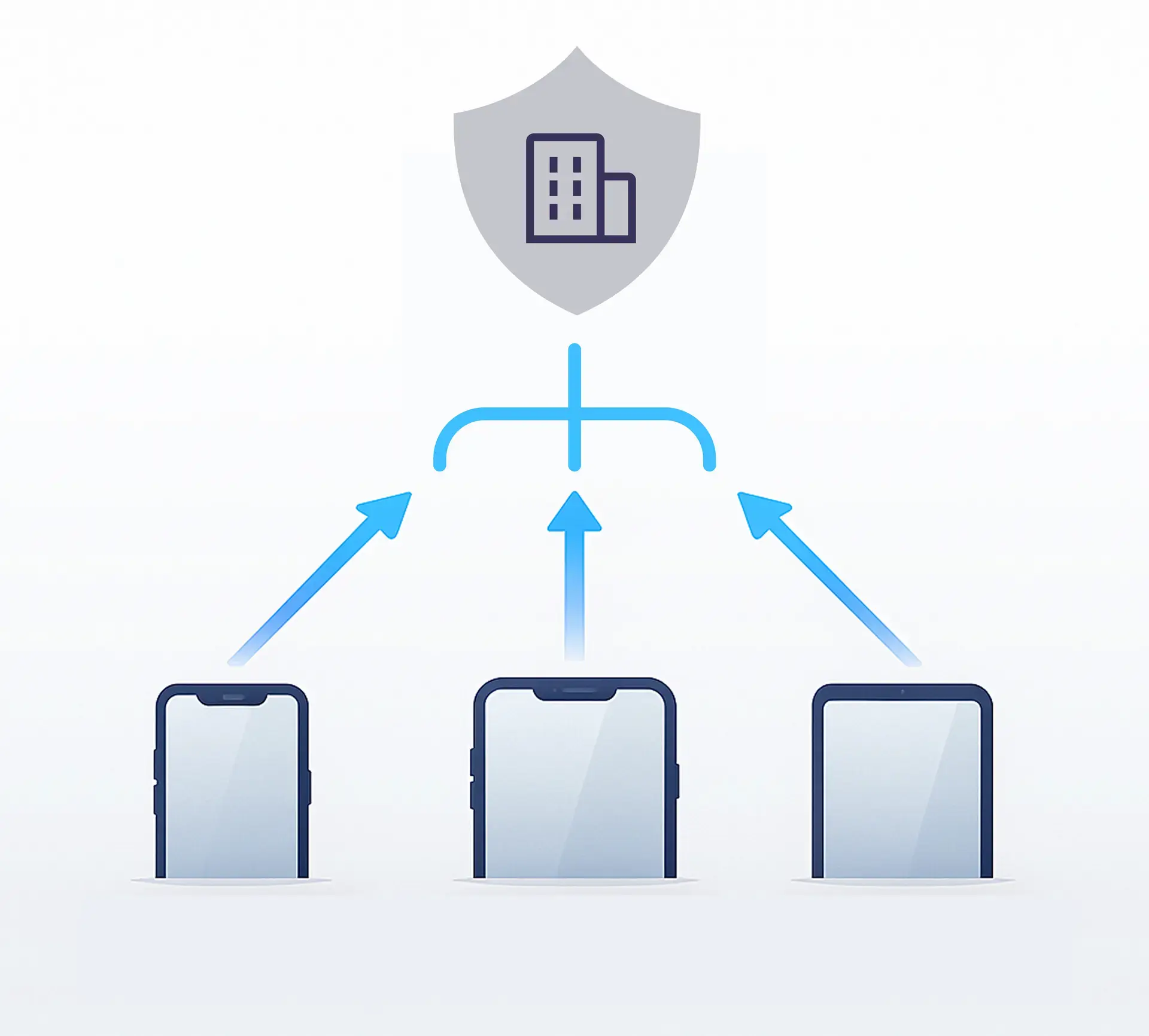
If you have apps that you do not want to distribute through the App Store, such as HR tools or internal company applications, Apple offers a supported method for private deployment. With enterprise or in-house distribution, you can deliver apps internally without going through App Store review, registering UDIDs, or staying within the 100-device limit. Instead, apps can be installed on an unlimited number of employee devices, offering the flexibility needed for large internal deployments.
However, bypassing these standard App Store rules also comes with strict eligibility requirements and additional signing obligations that organizations must follow.
Enterprise Certificates, Profiles, and Restrictions
To distribute apps internally using the Apple Developer Enterprise Program (ADEP), organizations must meet several requirements:
Enterprise Certificates and Provisioning Profile
- Apps must be signed using an In-House (Enterprise) Certificate and Provisioning Profile
- These certificates allow installation on any iOS device without UDID registration.
- Misuse, such as distributing apps to the public, can lead to certificate or Enterprise account revocation.
Program Eligibility
- Have 100 or more employees.
- Be a legal entity.
- Your organization must have a D-U-N-S Number
- Use the program only for internal, proprietary apps distributed privately to employees.
- Ensure only employees can access the app and protect all credentials and assets.
- Complete and pass Apple's verification interview and ongoing evaluations.
Restrictions & Compliance Considerations
- Companies must ensure secure app distribution (often through MDM or secure portals like Appcircle Enterprise App Store).
- An authentication method must be added before the app is distributed. Apple requires all in-house applications to include an authentication mechanism.
- Violations can lead to Apple revoking the certificate, instantly disabling deployed apps or cancelling your Enterprise account.
⚠️ Reminder: Please note that apps signed with an Apple Enterprise certificate must use authentication for internal distribution. Apple does not allow public distribution of Enterprise apps, and distributing them without authentication may result in severe sanctions. You can access the relevant terms and conditions from Apple Developer Enterprise Program License Agreement.
OTA or In-app updates for iOS apps
Since enterprise or in-house applications are distributed internally and without via an App Store, managing updates can be difficult. Users would need to download the application over and over again when there is a new version is available. And the download process would not be as easy as downloading an app via App Store. For this reason, it would be helpful to use app distribution tools that support OTA (over-the-air) or in-app updates. OTA updates mean you will be notified when a new version is available of the application, and you will be able to install the new version with a single click, without going through the downloading from the beginning process.
Firebase App Distribution for iOS
Firebase App Distribution provides an easy way to share pre-release iOS apps with testers, especially for teams already using Firebase in their development workflow. It allows developers to upload an IPA and invite testers through email or link-based invitations. Testers can install builds through the Firebase app or a web browser after completing the required iOS onboarding steps.
However, due to Apple's platform restrictions, Firebase App Distribution behaves differently on iOS compared to Android and comes with several limitations that developers should consider.
Limitations and Firebase Alternatives for iOS Distribution
While Firebase is convenient, it is not always the most seamless choice for iOS distribution. Some common limitations include:
- Google account requirement: Testers must have a Google account to access Firebase builds.
- Mandatory profile installation: iOS testers must install a Firebase-specific device profile before they can download or update builds. This additional step can cause confusion and adds friction during onboarding.
- 500 tester limit per Firebase project: This limit can be restrictive for large organizations or wide beta programs. A no-cost limit increase can be requested, but it still requires manual approval.
- No native SSO support: Firebase lacks built-in Single Sign-On (SSO) or enterprise authentication options, making it difficult to restrict access to internal teams.
- No download button issues: Many teams report situations where testers cannot see the download button in Firebase, often related to profile installation or browser behavior.
There are several alternatives to Firebase App Distribution:
- Appcircle: The Appcircle Testing Distribution module is a strong alternative to Firebase App Distribution. It does not require additional setup or tester onboarding steps, avoids profile installations, and offers advanced security capabilities such as SSO and LDAP integration. For a detailed comparison, check out the related post.
- MDM solutions such as Intune: Suitable for enterprise environments where device management and controlled internal app deployment are required. Appcircle also supports distributing applications to Microsoft Intune if this is your preferred distribution channel.
iOS Distribution Automation with API Keys
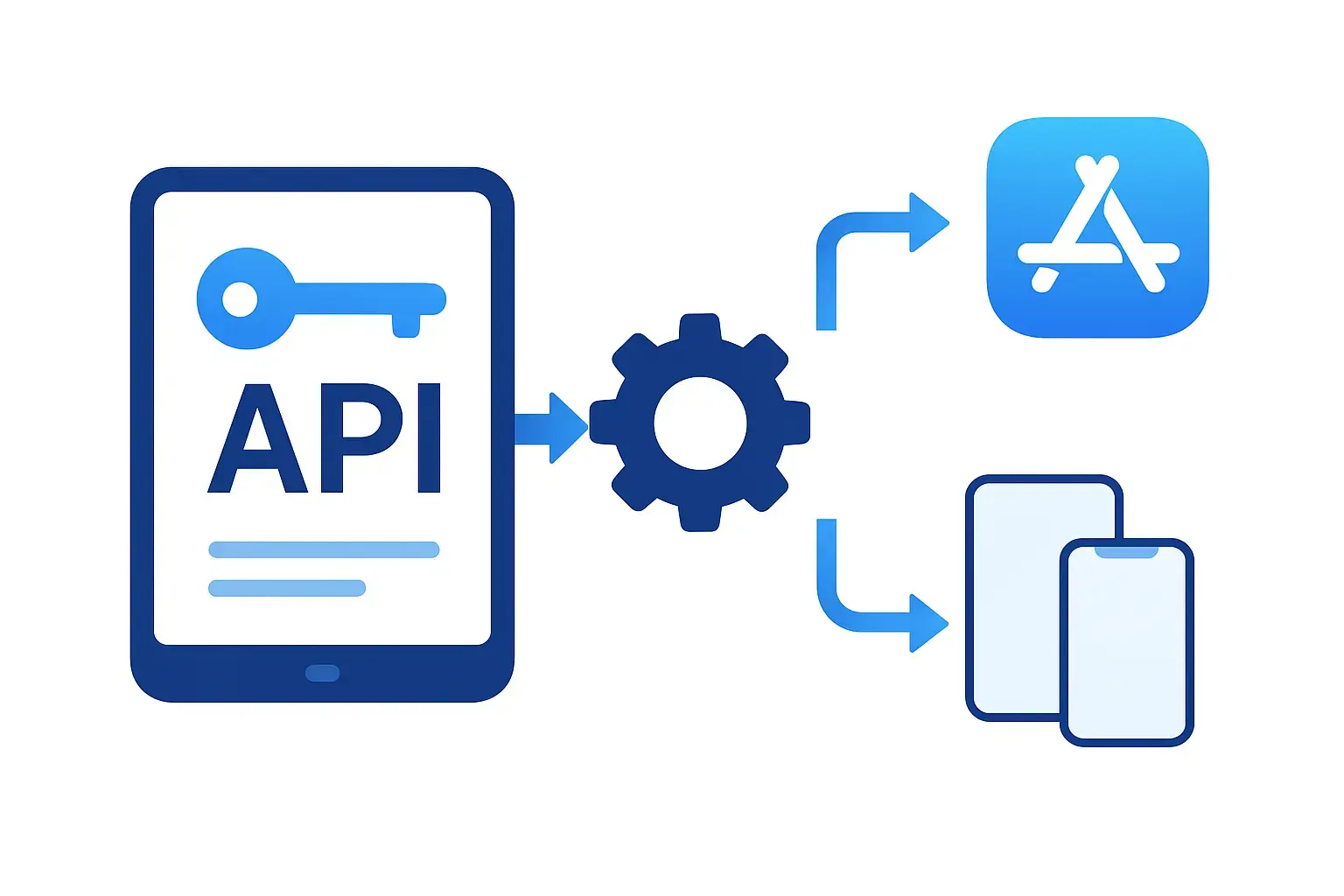
Apple provides APIs that allow developers and automation platforms to manage various aspects of iOS app distribution without relying solely on the App Store Connect web interface. These APIs enable automated workflows for tasks such as uploading builds, managing certificates and provisioning profiles, assigning testers, and controlling release processes. By using these APIs, teams can streamline and automate their entire iOS distribution pipeline.
Using App Store Connect API keys for Automated Distribution and CI/CD
To access Apple's distribution and management APIs, you need an App Store Connect API Key. This key allows CI/CD platforms, build systems, and automation tools to interact with App Store Connect securely.
An API key is required for operations such as:
- Distribute apps via App Store or TestFlight
- Handling application metadata and release information
- Accessing certificate and provisioning profile details
- Integrating with third-party CI/CD platforms such as Appcircle, Fastlane, GitHub Actions, and others
API keys are a secure alternative to using Apple ID credentials, and they also support granular permission controls so each integration can be restricted to only the actions it needs.
iOS App Distribution Best Practices
1. Integrate Testing Distribution into CI/CD
Using a CI/CD workflow for iOS distribution ensures builds are tested, signed, and delivered automatically. This reduces manual steps, speeds up iteration, and ensures that every commit or pull request can generate a consistent, installable build. Integrating distribution into CI/CD also helps teams catch issues early, maintain build reliability, and streamline the submission process to TestFlight, App Store or internal channels.
2. Manage Signing Certificates and Profiles Carefully
Proper management of signing identities is essential for stable iOS distribution. Keep track of certificate expiration dates, provisioning profile renewals, and device registration requirements to avoid sudden distribution failures. Using a centralized signing solution prevents certificate sharing risks and ensures the correct signing assets are applied during automated builds.
3. Manage Testers and Devices Efficiently
Whether you use TestFlight, Ad Hoc, or enterprise distribution, maintaining organized tester groups and device inventories is important for smooth delivery. Remove outdated devices, segment testers into meaningful groups, and ensure each tester has the correct permissions. Clean tester management reduces confusion, accelerates onboarding, and prevents distribution errors related to outdated or unregistered devices.
4. Update Build Numbers and Versions Properly
Versioning plays a critical role in iOS distribution. Always increment the build number for each new upload to TestFlight or the App Store to avoid processing errors. Use a clear versioning strategy to distinguish releases, track progress, and maintain consistency across development, QA, staging, and production builds.
5. Optimize App File Size for Faster Distribution
Minimizing your IPA size reduces download times, improves tester adoption, and speeds up internal installation. Optimize files based on device type, ideally reducing them to 100–300MB for smoother downloads and better testing efficiency. A smaller build not only improves performance but also makes updates faster across all distribution channels.
For more detailed insights, check out the related blog: 10 Best Practices in App Distribution
FAQs
What are the different types of iOS app distribution?
Which platform is used for iOS app distribution?
How can I distribute an iOS app without App Store Connect?
When can unlisted app distribution be used?
What is the difference between Ad Hoc distribution and App Store distribution in iOS?
What is the difference between Enterprise distribution, Ad Hoc, and TestFlight?
How many devices can Ad Hoc distribution support?
What is the maximum number of devices allowed in the Apple Developer account per year?
Do TestFlight apps undergo App Review?
What happens to distributed apps when the certificate expires?
How can I share an IPA internally?
What is Apple's MDM solution used for app distribution?
Can I share an IPA with users who do not have an Apple account?
How can I automate app distribution with CI/CD tools?
Can I distribute the same IPA to both internal testers and external users?
Why does Firebase show no download button on iOS?
How do I distribute proprietary in-house apps to Apple devices?
Get Started with Appcircle
Save time, reduce costs, and increase developer productivity
Get informed about news, new releases, and mobile DevOps.