



Manual app store publishing carries more risk than a standard backend deployment. A backend change can be reverted in minutes, but a mobile release cannot be withdrawn once it is live, so a wrong binary or an incorrect version number can only be corrected by preparing another release. Even when continuous integration is fully automated, publishing to the stores is often handled manually: someone selects the binary, updates metadata, sets the rollout, and submits it. As the number of applications and contributors grows, this process becomes harder to control, especially in large organizations where several teams take part in the same release cycle.
When these activities depend on individual knowledge and disconnected manual steps, app publishing becomes an operational and security risk:
- Release steps vary by person, so there is no standard process to follow
- Store credentials and signing assets spread further than intended
- Release history is incomplete, so nobody can confirm who did what
- Approvals happen outside the system, where they cannot stop a release
- Manual mistakes reach production, where they are expensive to reverse
In this article, we will look at each of these risks in detail and see how a centralized publishing process can help address them without adding manual overhead.
1. Inconsistent Release Processes and Person-Dependent Knowledge
Manual publishing often depends on unstable checklists or the knowledge of a few team members rather than a standard the whole organization follows. As a result, each release reflects personal habits rather than a governed process.
- Process Variance Between Releases: Without a defined release workflow, required checks may be completed differently or skipped entirely between releases. The result often depends on the personal checklist of whoever is managing the process.
- Unreliable Binary Verification: Team members may use different methods to confirm which binary is ready for production, such as checking the build number against a release ticket or assuming the most recent upload is correct. Without a verifiable link between the submitted binary and the build that was tested, an outdated or untested version can reach the store unnoticed.
- Uncontrolled Release Settings: Options such as the staged rollout percentage, phased release, and automatic versus manual publishing after approval are selected in each store portal for every release. Without a defined default, these settings vary between releases, and a version can reach all users before the team is ready.
- Key Person Dependency: Critical publishing knowledge may remain limited to one or two individuals, making releases dependent on their availability and creating delays when responsibilities change.
- No Single Source of Truth for Releases: A release process becomes a standard only when a single central system performs every release, and when changes to that process require authorization.
As long as releases depend on individual discipline, consistency cannot be guaranteed from one release to the next.
2. Uncontrolled Access to Store Credentials and Signing Assets
Manual publishing has an access requirement built into it. Whoever performs a release must be able to sign in to the store account with enough privilege to submit and release, which sets a floor on how many people hold production level store access. Signing assets follow the same pattern, since a manual release also needs the certificate or keystore that signs the binary.
- Credentials on Local Machines: Exported API keys, service account files, certificates, provisioning profiles, or keystores may remain on personal or shared devices after they are no longer needed. On Apple's side, the .p8 key file can be downloaded only once, and losing it means generating a new key and reconfiguring every system that used it.
- Insecure Credential Sharing: Long-lived keys and signing assets may be transferred through email, chat, or other unapproved channels. Unlike account access, a copied credential cannot be taken back by removing a permission, because it stays valid until the key itself is revoked.
- Shared Store Accounts: When multiple people use the same store account or login, individual actions become harder to attribute and access cannot be revoked for one person without affecting others.
- Incomplete Offboarding: Former team members or external contributors may retain access to store accounts or copies of sensitive assets if permissions and local files are not reviewed promptly.
- Overprivileged Users: Broad store permissions may allow team members to change listings, manage releases, or access applications beyond what they need for their assigned responsibilities.
Access granted for convenience accumulates quietly, and its risk grows with every change in the team.
3. Limited Auditability and Accountability
A basic release governance question is who released a given version, when, from which build, and with whose approval. In a manual process, each part of that question is answered by a different system at a different level of detail, and the platforms differ significantly in what they record.
- Release Ownership: Teams may not know who initiated, restarted, stopped, or otherwise managed a specific release when these actions are distributed across different accounts and tools. Without a single record of who acted, accountability is reconstructed from memory after the fact.
- Binary History: It may be difficult to confirm which binary, application version, or build number was submitted, particularly when several release candidates are prepared at the same time. This is also what connects a released version to the build and commit behind it.
- Anonymous Release Actions: Every identity field in a log is only as meaningful as the account behind it. When several people publish under one store login, no action can be tied to an individual.
- Timeline Tracking: The start time, completion time, status, and duration of individual publishing steps may remain unclear, which limits visibility into delays and recurring bottlenecks. Without duration data, teams cannot tell whether their release cycle is improving or getting slower.
- Fragmented Release Records: Information about a release is spread across store accounts, messages, tickets, scripts, and local logs, so finding out what happened means searching several systems. Every additional place to search extends the time a problem stays unresolved.
- Platform Differences: Play Console's Activity log records some publishing activity for account owners, while App Store Connect does not offer a comparable record of user actions. There is also no built-in way to consolidate either one into a single organization-level log, so release activity stays split across platforms.
An audit trail is only useful when it covers the complete release flow across platforms and tools. Without centralized logs and reports, teams have limited visibility into recurring failures, approval delays, and bottlenecks.


4. Missing Approval Gates and Segregation of Duties
The person preparing a mobile release may not be the right person to approve it for production. Review may be needed from product, QA, security, compliance, or release management teams, and segregation of duties requires that no individual holds end-to-end control over a change.
- Informal Approvals: Release decisions may be collected through chat, tickets, or verbal confirmation. Approvals scattered across these channels are difficult to track, and there is no reliable way to confirm that every required one arrived before the release went out.
- Limited Review Context: Teams may be unable to verify whether an approver reviewed the binary, version details, metadata, release notes, and target store before making a decision. An approval without that context does not mean the release was actually checked.
- Approval Mismatch: The binary that was reviewed and approved may not be the same binary that is ultimately selected and published from the store account. Because nothing links an approval to a specific build, this substitution can happen without anyone noticing.
- Missing Stakeholders: A release may continue without approval from every required team or decision-maker, especially when the process does not automatically stop and wait for their response. The absence of an objection is treated as consent, which is the opposite of how an approval gate should work.
- Wide Publishing Access: Too many users may have permission to start a production release, even when their responsibilities should be limited to reviewing or testing the application. If publishing is open to everyone, the approval step has nothing to enforce it.
This weakens segregation of duties and increases the risk of an unfinished or unauthorized release reaching mobile application stores.
5. High-Impact Human Errors That Are Costly to Correct
Even a small mistake during the final publishing stage can directly affect production users. Repetitive manual actions, time pressure, and differences between store processes make these errors more likely.
- Selection and Entry Errors: A wrong signing certificate, metadata updated for one locale but not the others, or a build sent to production when it was intended for testing are all single-step mistakes with release-wide consequences.
- Unexpected Rollout Size: An incorrect rollout percentage may expose a problematic version to more users than intended before the team has enough time to evaluate its performance. Halting the rollout afterward has limited effect, because users who have already updated are not moved back.
- Missed Release Step: A required configuration, validation, approval, or status check may be overlooked when the process depends on someone remembering and completing every action manually.
- Difficult Incident Investigation: A failed manual action may be hard to reproduce, because the exact settings, sequence of actions, and store responses were not recorded in one place.
- A Mobile Rollback Is a New Release: The practical correction for a bad mobile release is a new build with a higher version number. On iOS, that build must clear App Store review before it reaches any user, which means the recovery time is set by Apple rather than by the team.
What makes manual publishing risky at scale is not how often errors occur, but how much each one costs to correct.
How Appcircle Publish to Stores Brings Control to Mobile App Releases
Reducing these risks does not require more process documentation. It requires moving the release process out of individual habits and into a system that can define, enforce, and record every release.
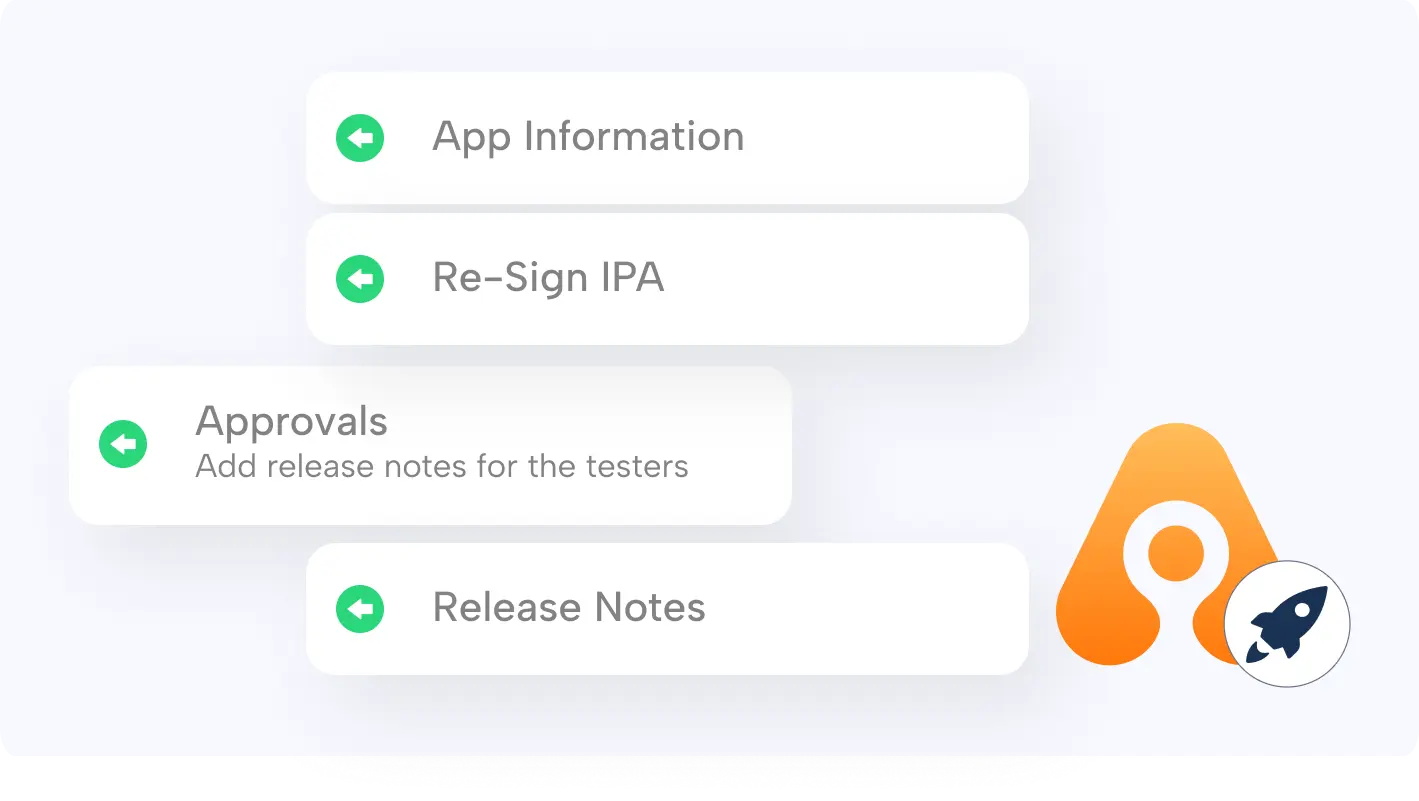
Appcircle's Publish to Stores module addresses these risks with the following capabilities:
- Standardize Publishing Across Stores and Distribution Channels: Apple App Store, TestFlight, Google Play, Huawei AppGallery, and Microsoft Intune releases are managed within a single interface, so teams do not move between separate portals and credential sets for every release.
- Customize the Publish Flow for Your Team's Release Process: A publish flow is a defined sequence of steps built with a drag and drop interface. Steps such as approvals, custom scripts, metadata updates, and store submission can be arranged to match how your organization actually releases. Once defined, the flow applies to every release, so release governance is enforced by configuration rather than by individual discipline.
- Add Approval Gates and Role-Based Access: The Get Approval via Email step stops the flow until the required approvers respond, and a rejection halts the release with a recorded explanation. Approvers see the binary and build details before deciding. Role-Based Access Control then limits each user to the actions their role requires, and custom roles can narrow that down to individual permissions, so no single person controls a release from start to finish.
- Manage and Approve Metadata Before Submission: Metadata such as store listing text, localizations, and screenshots is prepared inside Appcircle, and the Metadata Approval step sends it for review before it reaches the store. Errors in listing text or missing localizations are caught before submission, not after users see them.
- Automate Publishing End-to-End: Auto Re-sign signs an uploaded binary automatically against a saved configuration, and Auto Publish starts the publish flow from there. A binary can move from upload to store submission without anyone signing in to a store account.
- Reduce Direct Credential and Signing Asset Exposure: Store accounts connect securely through an API key, and iOS certificates, provisioning profiles, and Android keystores stay in the Signing Identities module. Binaries can be re-signed with those assets without anyone downloading a file, so credentials do not end up on local machines.
- Create an Audit Trail for Every Release: Publish History records every publish action with its steps and status, and the Publish Activity Log, Publish Report, and Publish Re-sign Report bring the same detail together at the organization level. Who released what, when, and with which result is recorded automatically rather than reconstructed afterward.
- Control Release Timing and Rollout: App Release Information manages phased release and release timing on the App Store, and App Rollout Information manages staged rollout on Google Play. Teams decide how quickly a version reaches users, and that decision is applied consistently across releases.
- Trace Every Release to Its Source Binary: Binary Information shows the version, signing details, and entitlements of a binary before it is submitted, and Binary Comparison highlights the differences against another binary. Publish History links back to the original build logs, so a store release can be traced to the build and the commit behind it.
- Works With Your Existing CI/CD Setup: Ready-to-use plugins for Fastlane, GitHub Actions, Jenkins, and Azure DevOps let your pipeline upload a binary and trigger its publish flow without changing your build setup. Teams that build on Appcircle can connect the Build module directly instead, and releases reach the stores through the same flow either way.
Publish to Stores is one stage of a larger CI/CD pipeline. Binaries produced by Appcircle's Build module can be shared with testers through Testing Distribution, distributed internally through the Enterprise App Store, and then released to the public stores, so a single platform covers the path from commit to release.
Centralized publishing is not only about submitting binaries without manual work. It is about automating the repeatable mechanics while keeping release decisions visible, authorized, and auditable.
Conclusion: Build a Repeatable and Governed App Publishing Process
Manual app store publishing becomes riskier as teams, applications, and release frequency grow. Inconsistent procedures, informal approvals, fragmented audit evidence, unnecessary credential exposure, and preventable human errors can turn the final stage of mobile delivery into an operational bottleneck.
A centralized publishing process gives organizations a stronger foundation. Standard workflows reduce variation, approval gates and roles enforce responsibility, controlled integrations limit credential sharing, and audit logs make every release easier to trace. With Appcircle Publish to Stores, mobile teams can bring these controls into a single, centralized hub and manage app releases across application stores with greater consistency, security, and visibility.
Explore Appcircle Publish to Stores to learn how to automate and govern your mobile app publishing process. Try It Now!
FAQs
1. What are the risks of publishing a mobile app manually?
The five main risks are inconsistent release processes that depend on who is running them, approval steps that cannot technically stop a release, incomplete release records that leave accountability unclear, store credentials and signing assets that spread beyond the people who need them, and manual errors that reach production, where mobile platforms make them slow and expensive to correct.
2. Does App Store Connect keep an audit log of user activity?
App Store Connect does not provide a per user activity log. Certain actions generate email notifications, but there is no facility for auditing which team member performed which action in the account. Organizations that need this record keep it in a centralized release management platform such as Appcircle Publish to Stores, which logs every publish action together with the user who performed it.
3. Can an App Store Connect API key be limited to specific apps?
Not if it is a team key. Its role defines what the key can do, but its access covers every app in the team, and there is no per-app restriction. App-level scoping requires an individual key generated by a user who is limited to selected apps, and because such a key cannot reach Certificates, Identifiers & Profiles, signing has to be managed separately. Our App Store Connect API key documentation covers the setup.
4. How do iOS and Android release processes differ?
The two platforms differ in how a version is submitted and how it reaches users. On iOS, a version goes through App Store review and can then be released manually, automatically, or on a chosen date, with phased release controlling how quickly automatic updates spread. On Android, a version is published to a track and can be rolled out gradually to an increasing percentage of users. A release flow therefore needs platform-specific steps rather than one shared sequence, and our iOS release guide and Android release guide cover each process in detail.
5. Who should be responsible for mobile app releases?
Responsibility is best split rather than held by one person. The team that owns the application can prepare the release, while authorization sits with whoever is accountable for what reaches production, often a release manager. Whatever the split, it works only when it is set in the permission model rather than agreed informally.
6. Does app publishing automation remove human approval?
No. A controlled automated workflow can include human approval gates before sensitive actions. Automation handles repeatable steps, while authorized stakeholders still decide whether a release should continue.